SKU: OT3499 Numero articolo: AA431 EAN: 8720618489661

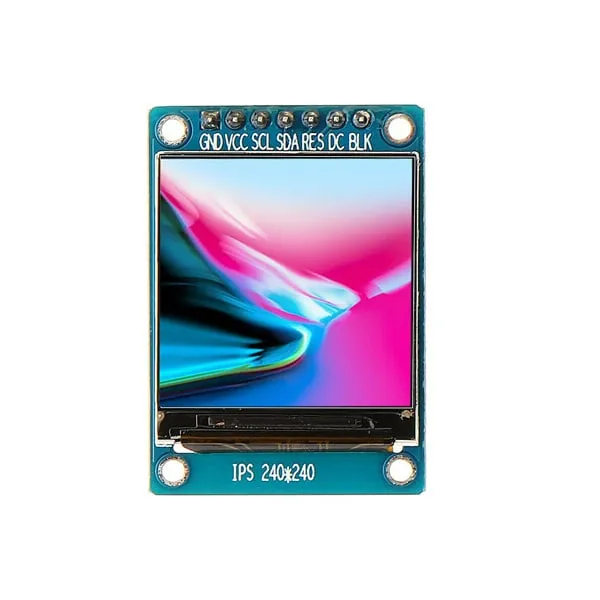
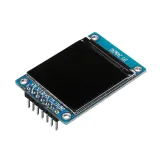
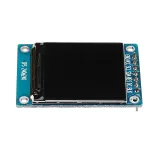
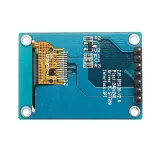
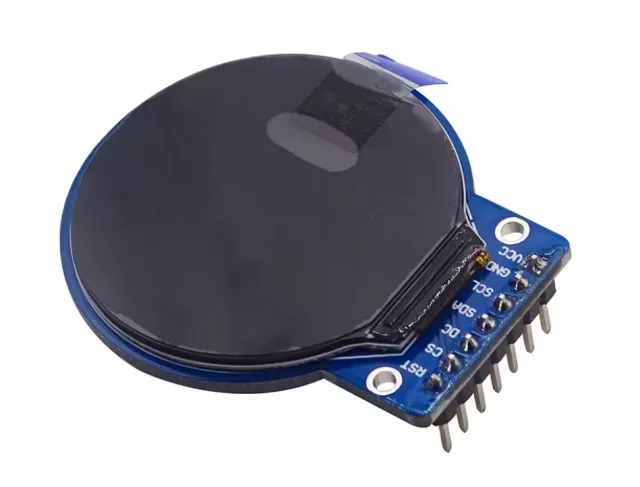
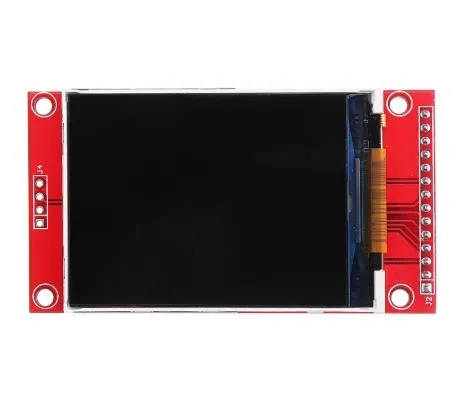
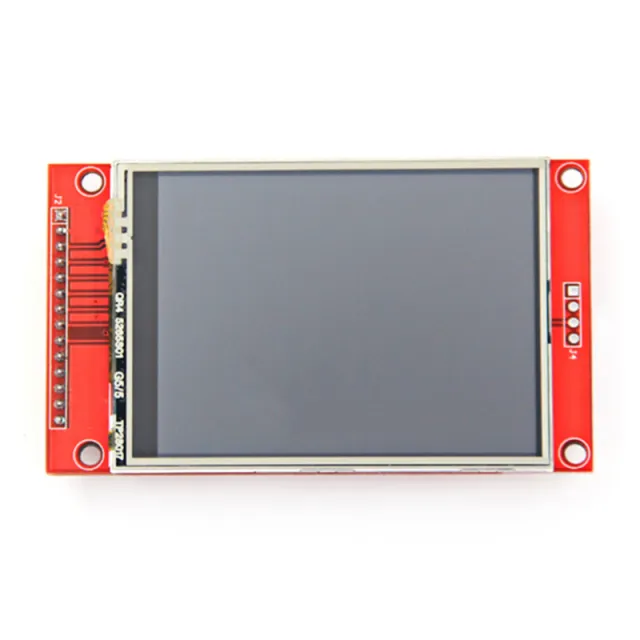
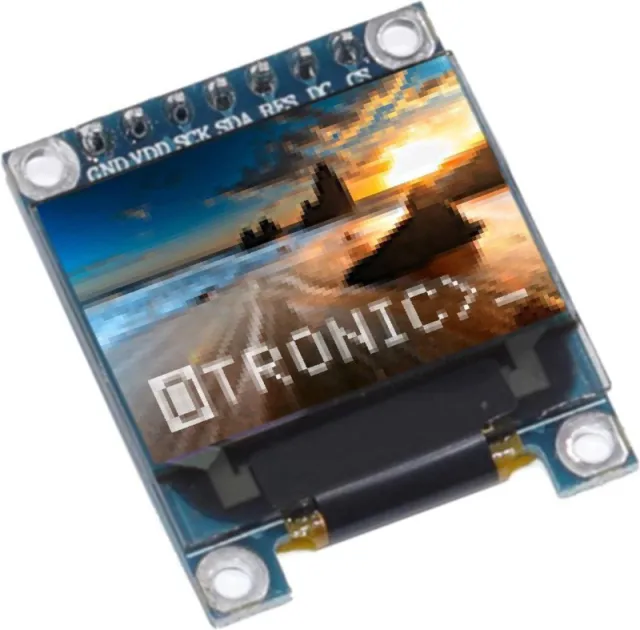
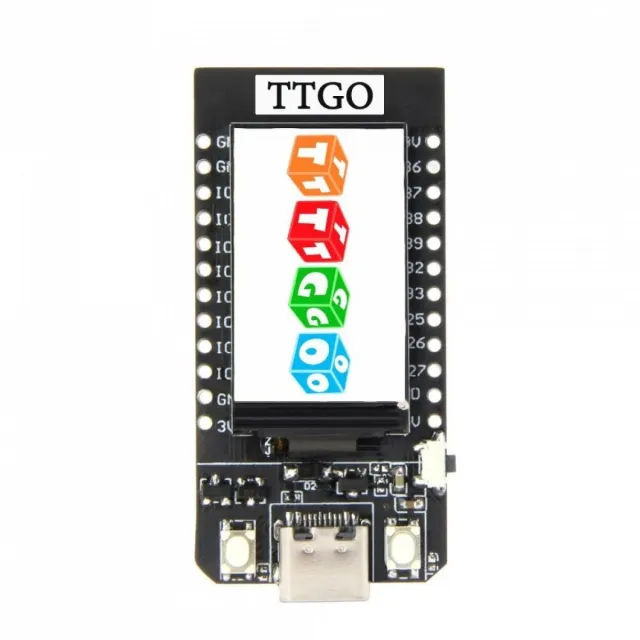
Un piccolo schermo con diagonale di 1.3". Con l'elevata densità di pixel di 260 ppi, questo è un fantastico display da 240x240 pixel con leggibilità da tutte le angolazioni.
Display di questo calibro vengono utilizzati anche per smartwatch e piccoli dispositivi elettronici.
Ha un driver display ST7789 che funziona con tutti i microcontrollori e microcomputer.
Questo è il modo migliore per aggiungere a qualsiasi progetto uno schermo piccolo, colorato e molto luminoso. Utilizza SPI a 4 fili per comunicare.
Con il proprio frame buffer indirizzabile per pixel, può essere usato anche con microcontrollori molto piccoli con poca memoria o pochi pin disponibili.
Lo schermo ha pixel full color a 16 bit 240x240 ed è IPS, quindi i colori risultano superbi fino a 80 gradi da ogni asse in ogni direzione. Il driver TFT (ST7789) è molto simile al popolare ST7735 ed è ben supportato da diverse librerie Arduino.
Adafruit, ad esempio, ha scritto una libreria grafica open source completa che può disegnare pixel, linee, rettangoli, cerchi, testo e bitmap in combinazione con la libreria Adafruit GFX. (vedi questa pagina per iniziare) Inoltre è disponibile anche codice di esempio. Questo codice è scritto per Arduino ma può essere facilmente adattato al tuo microcontrollore preferito.
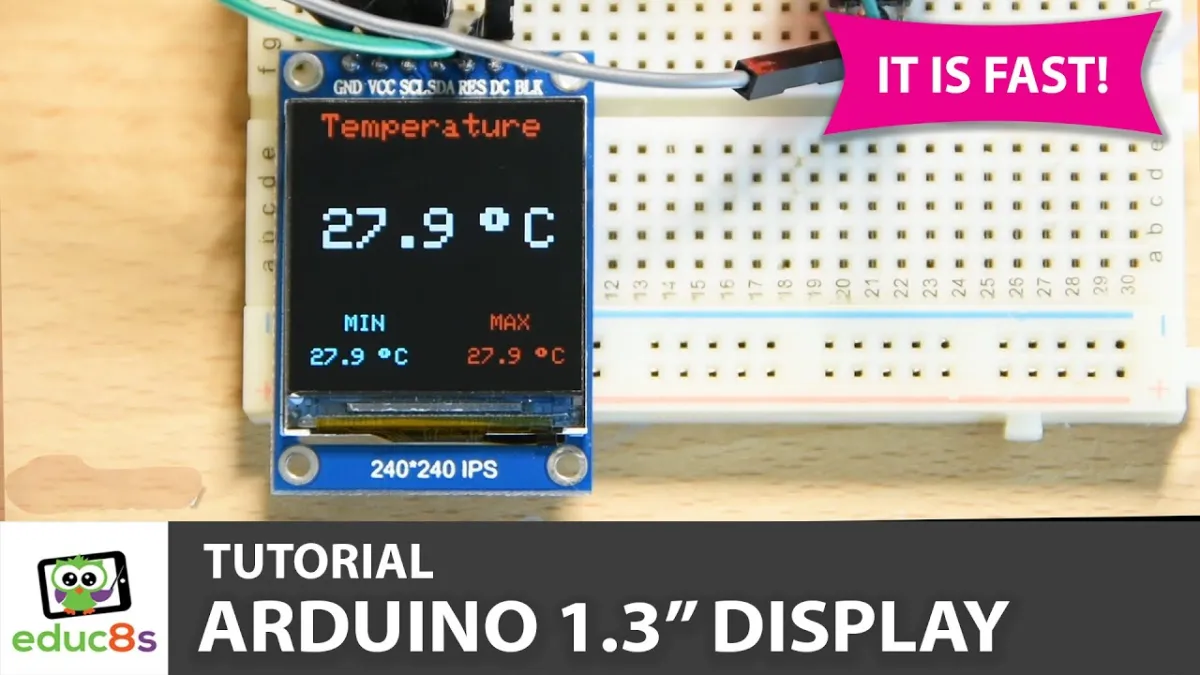
La riproduzione carica il video da YouTube.
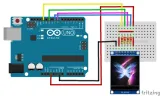
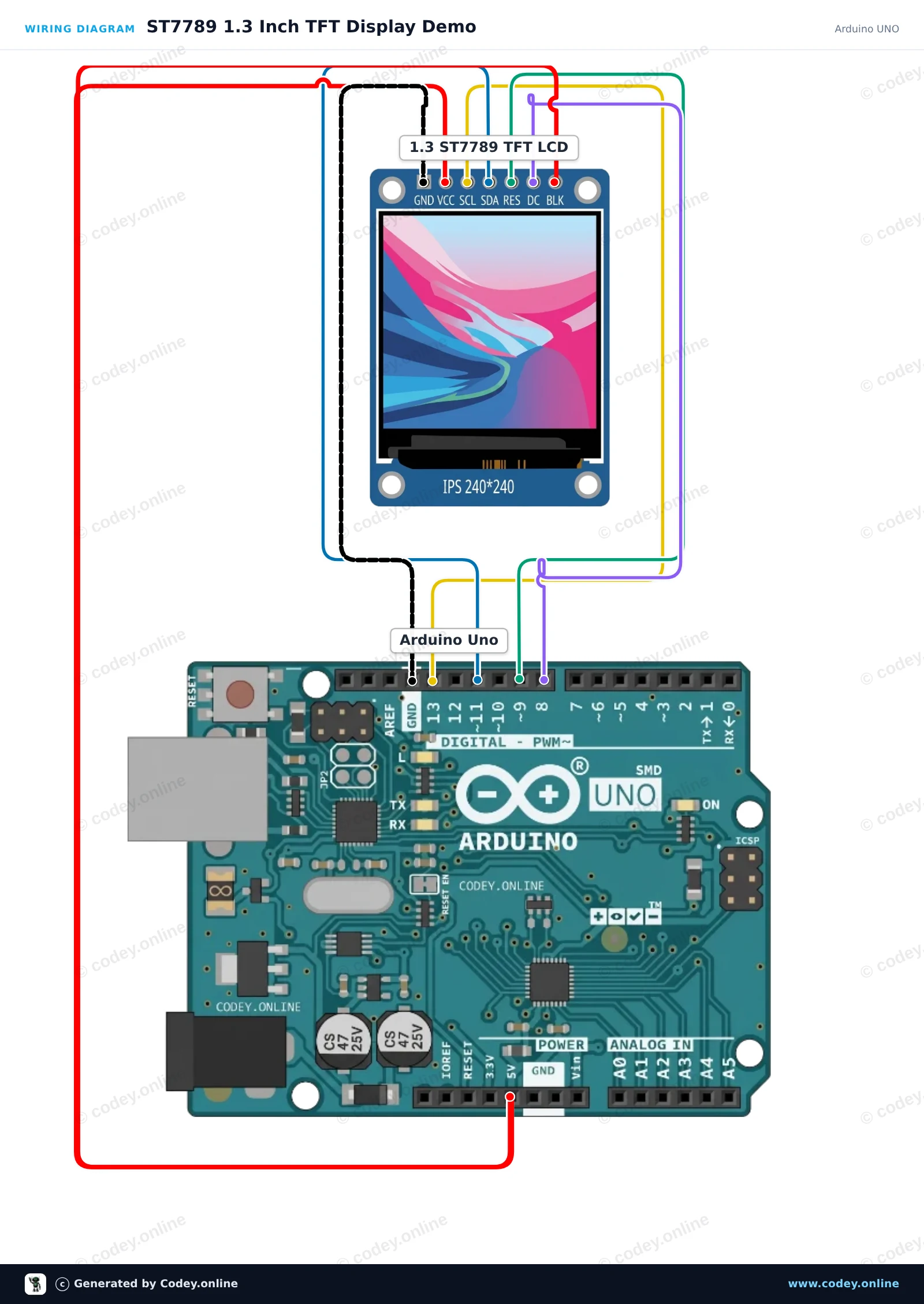
Ecco come collegare il Display LCD TFT SPI 1.3inch RGB (ST7789, 3.3V) a un Arduino UNO o ESP32, con uno sketch di esempio che puoi caricare subito.
Questo progetto inizializza un display TFT SPI ST7789 da 1.3-inch 240x240 con un Arduino Uno. Lo sketch disegna testo di benvenuto, forme e grafica colorata per dimostrare le capacità del display. Collega il display direttamente ai pin SPI dell'Arduino come mostrato.
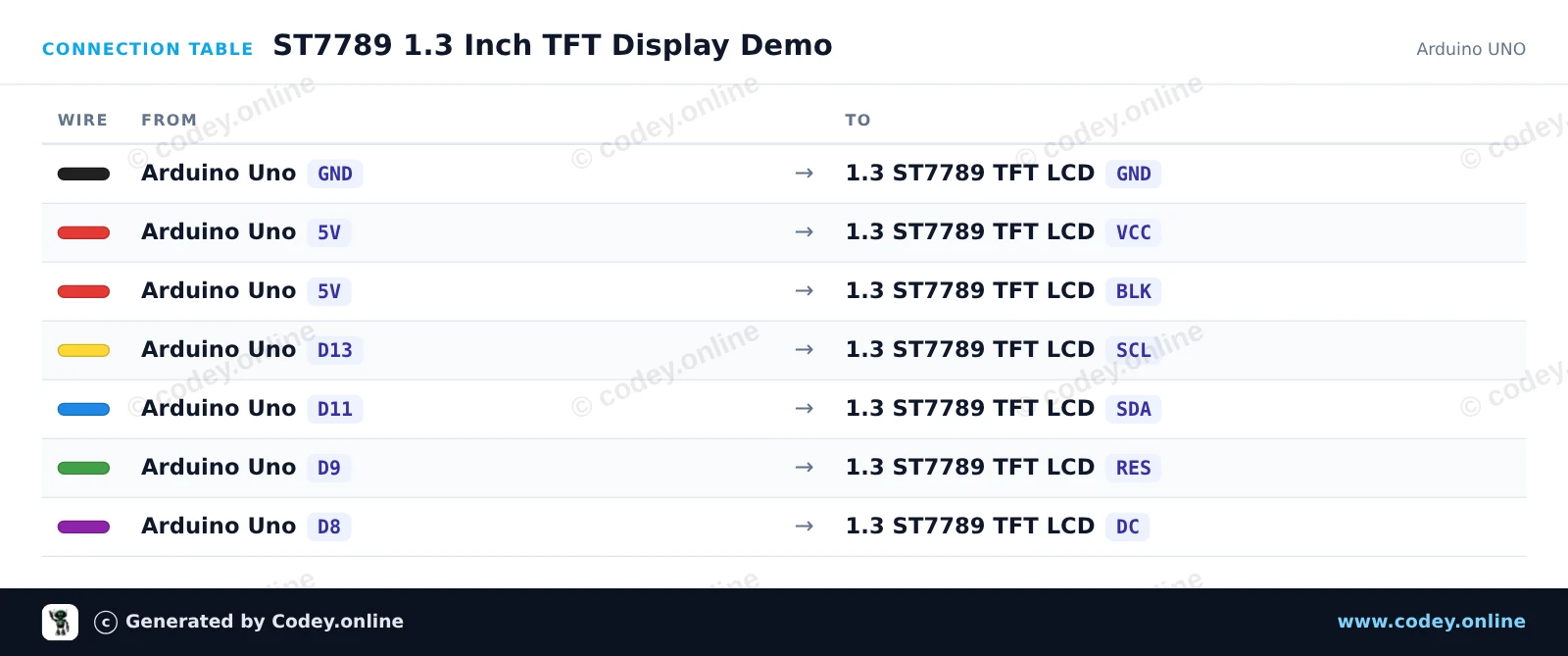
/*
 * ==================================================================
 *  Generated by Codey.online  —  https://www.codey.online
 * ==================================================================
 *  Project   : ST7789 1.3 Inch TFT Display Demo
 *  Board     : Arduino UNO (arduino:avr:uno)
 *  Parts     : LCD Display TFT 1.3inch ST7789
 *  Libraries : Adafruit ST7735 and ST7789 Library 1.11.0
 *
 *  Codey Online is an AI-powered browser IDE for Arduino and ESP32.
 *  Describe your project and Codey writes the code, draws the wiring
 *  diagram and uploads it to your board, straight from the browser.
 *  This code is free to use, modify and share, without warranty.
 * ==================================================================
 */

#include <Adafruit_ST7789.h>
#include <SPI.h>

#define TFT_CS   -1
#define TFT_DC    8
#define TFT_RST   9

Adafruit_ST7789 tft = Adafruit_ST7789(TFT_CS, TFT_DC, TFT_RST);

void setup() {
  Serial.begin(115200);
  Serial.println(F("ST7789 TFT Display Demo"));

  // Initialize 240x240 pixel ST7789 display
  tft.init(240, 240);
  tft.setRotation(0);
  tft.fillScreen(ST77XX_BLACK);

  // Draw greeting text
  tft.setTextWrap(false);
  tft.setTextSize(2);
  tft.setTextColor(ST77XX_WHITE);
  tft.setCursor(20, 20);
  tft.println(F("Hello!"));

  tft.setTextColor(ST77XX_CYAN);
  tft.setCursor(20, 50);
  tft.println(F("ST7789 1.3 TFT"));

  // Draw sample graphics
  tft.drawRect(10, 85, 220, 130, ST77XX_YELLOW);
  tft.fillCircle(60, 145, 25, ST77XX_RED);
  tft.fillTriangle(120, 185, 160, 115, 200, 185, ST77XX_GREEN);

  Serial.println(F("Display ready."));
}

void loop() {
  // Static demo
}Librerie necessarie: Adafruit ST7735 and ST7789 Library 1.11.0
Wiring diagram and example code generated by Codey.online — https://www.codey.online
Questo progetto inizializza un display TFT SPI da 240x240 di 1.3-inch usando il driver ST7789. Disegna forme, mostra testo e aggiorna ogni secondo un contatore live sullo schermo.
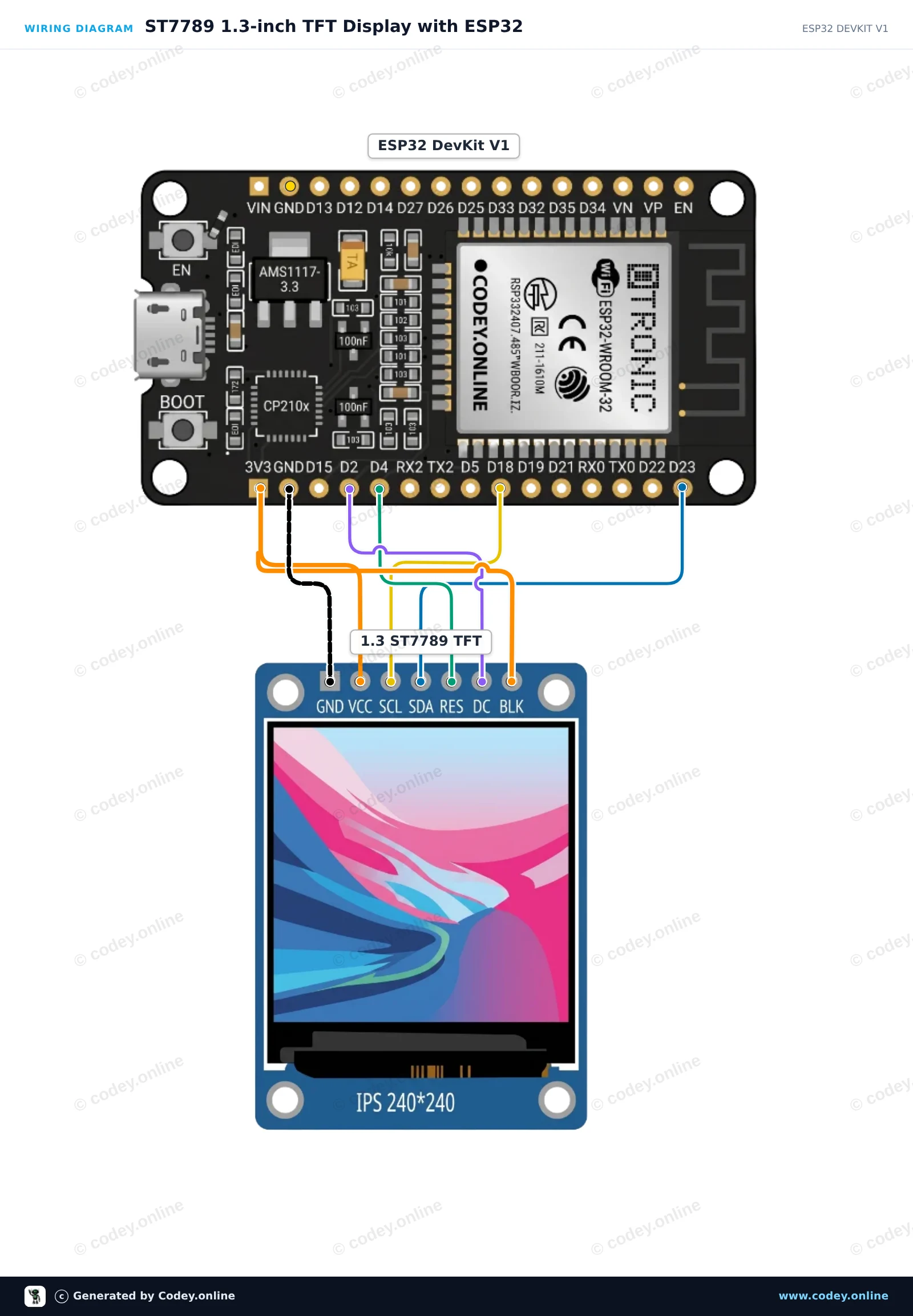
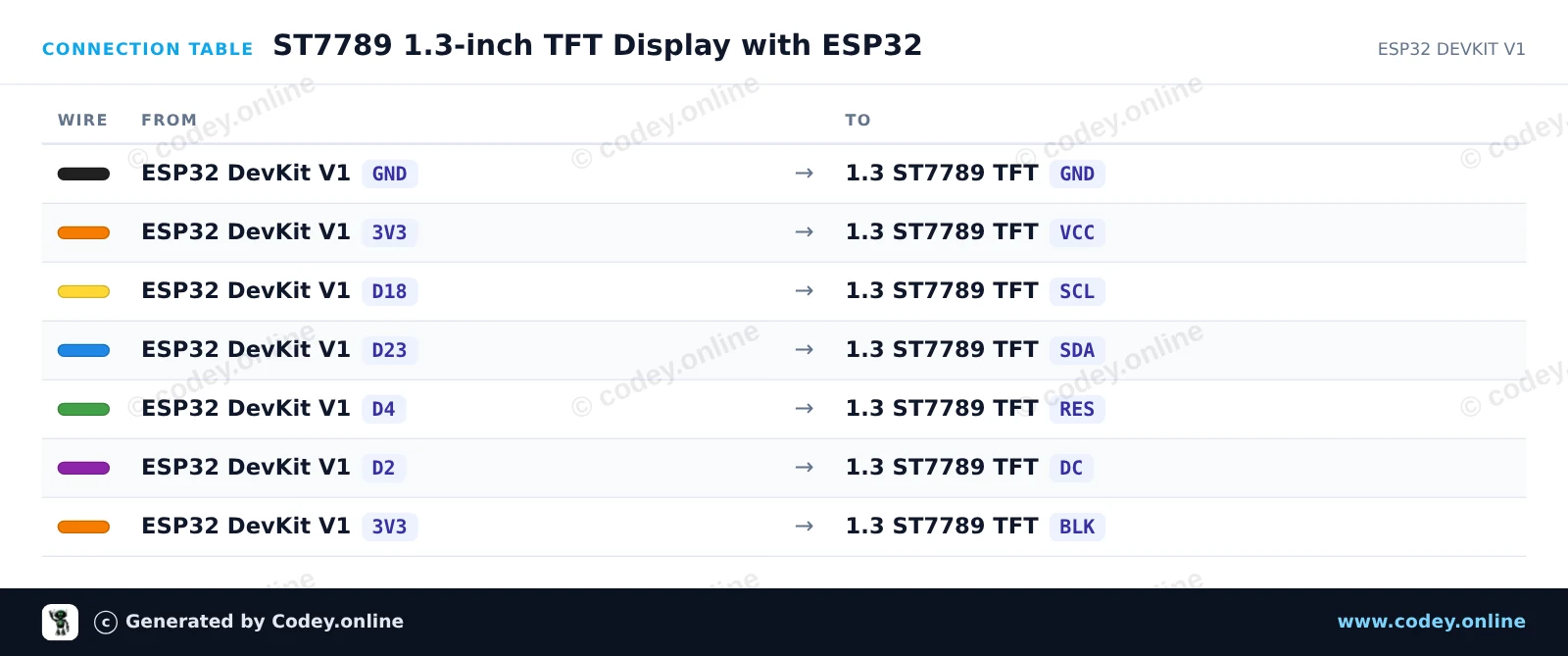
/*
 * ==================================================================
 *  Generated by Codey.online  —  https://www.codey.online
 * ==================================================================
 *  Project   : ST7789 1.3-inch TFT Display with ESP32
 *  Board     : ESP32 DEVKIT V1 (esp32:esp32:esp32doit-devkit-v1)
 *  Parts     : LCD Display TFT 1.3inch ST7789
 *  Libraries : Adafruit GFX Library 1.12.6, Adafruit ST7735 and ST7789 Library 1.11.0
 *
 *  Codey Online is an AI-powered browser IDE for Arduino and ESP32.
 *  Describe your project and Codey writes the code, draws the wiring
 *  diagram and uploads it to your board, straight from the browser.
 *  This code is free to use, modify and share, without warranty.
 * ==================================================================
 */

#include <Adafruit_GFX.h>
#include <Adafruit_ST7789.h>
#include <SPI.h>

#define TFT_DC    2
#define TFT_RST   4
#define TFT_CS   -1

Adafruit_ST7789 tft = Adafruit_ST7789(TFT_CS, TFT_DC, TFT_RST);

int counter = 0;

void setup() {
  Serial.begin(115200);

  // Initialize 240x240 ST7789 display
  tft.init(240, 240);
  tft.setRotation(2);
  tft.fillScreen(ST77XX_BLACK);

  // Draw frame and header
  tft.drawRect(10, 10, 220, 220, ST77XX_BLUE);
  tft.setTextColor(ST77XX_WHITE);
  tft.setTextSize(2);
  tft.setCursor(35, 30);
  tft.println("ESP32 ST7789");

  tft.fillCircle(120, 160, 35, ST77XX_RED);
}

void loop() {
  // Update counter area
  tft.fillRect(40, 80, 160, 30, ST77XX_BLACK);
  tft.setTextColor(ST77XX_GREEN);
  tft.setTextSize(2);
  tft.setCursor(45, 85);
  tft.printf("Count: %d", counter++);

  delay(1000);
}Librerie necessarie: Adafruit GFX Library 1.12.6, Adafruit ST7735 and ST7789 Library 1.11.0
Wiring diagram and example code generated by Codey.online — https://www.codey.online





 English
  Nederlands
  Frans
Frans  Deutsch
  Español
  Suomi
Suomi  Polski
  Dansk
Dansk  Ελληνικά
  Български
  Čeština
  Hrvatski
  Aileen