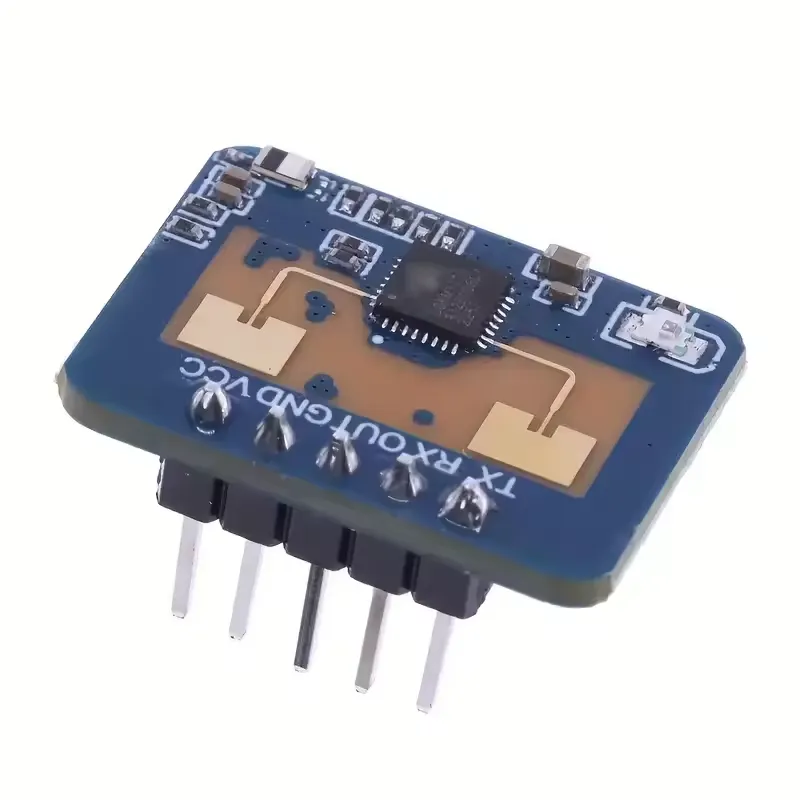
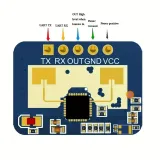
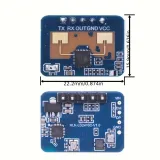
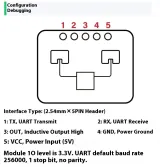
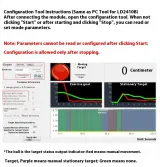
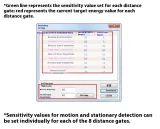
SKU: OT1021 Numero articolo: OT1021 EAN: 8721244302904
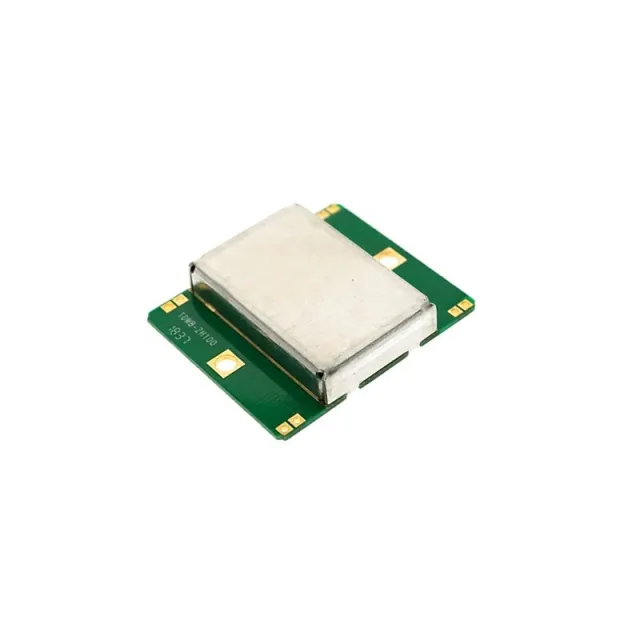
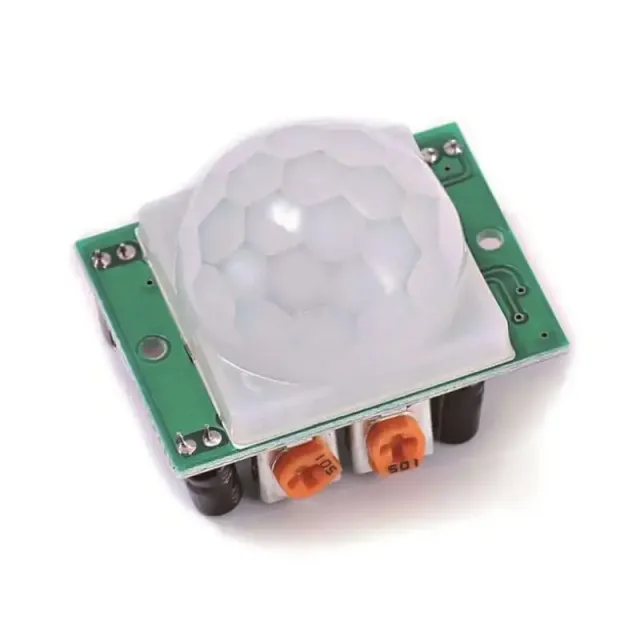
Il LD2410C è un sensore di presenza avanzato che rileva i movimenti umani utilizzando radar a onde millimetriche FMCW da 24 GHz. A differenza dei tradizionali sensori PIR, questo modulo funziona tramite microonde e l'effetto Doppler, consentendogli di rilevare i movimenti attraverso quasi tutti i materiali, tranne il metallo.
Il LD2410C offre una soluzione affidabile e flessibile per rilevare la presenza umana, anche in ambienti difficili. Grazie alla facile integrazione e alle ampie possibilità di regolazione, questo sensore è adatto a diverse applicazioni smart senza richiedere conoscenze avanzate di programmazione.
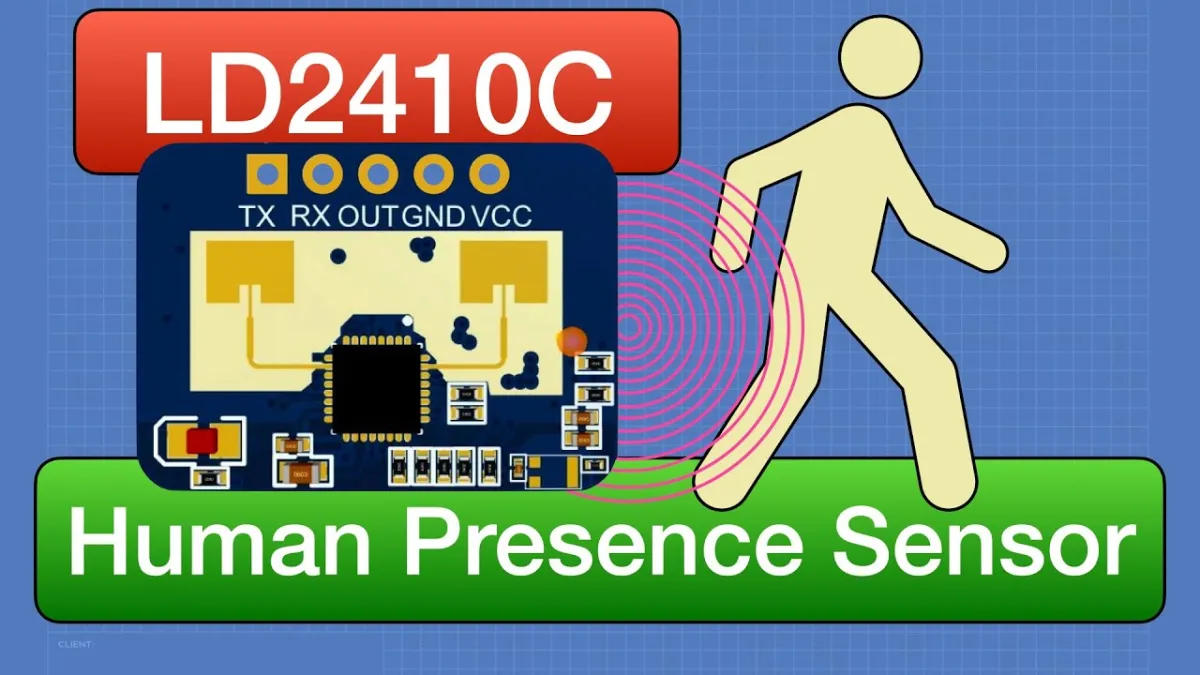
La riproduzione carica il video da YouTube.
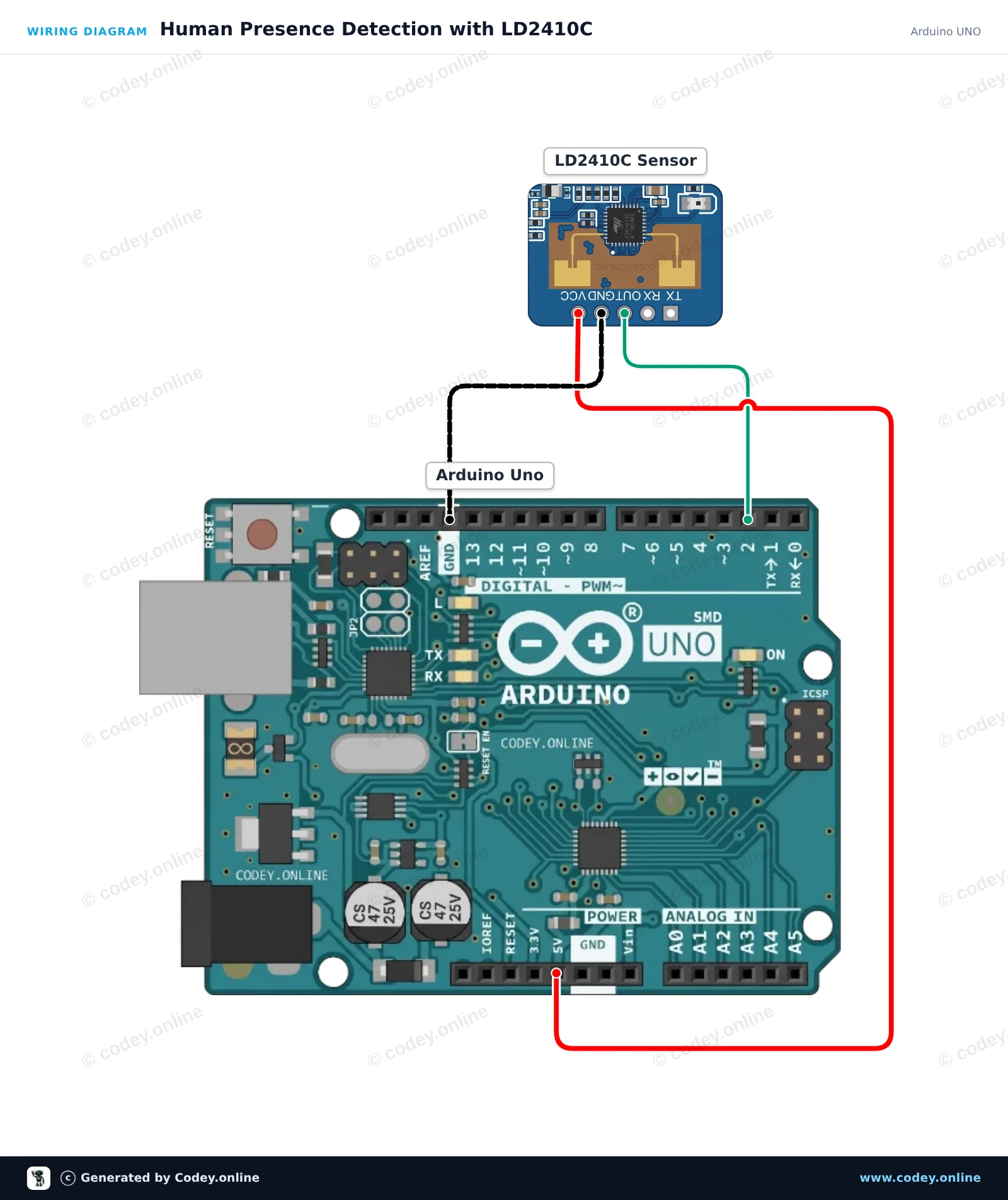
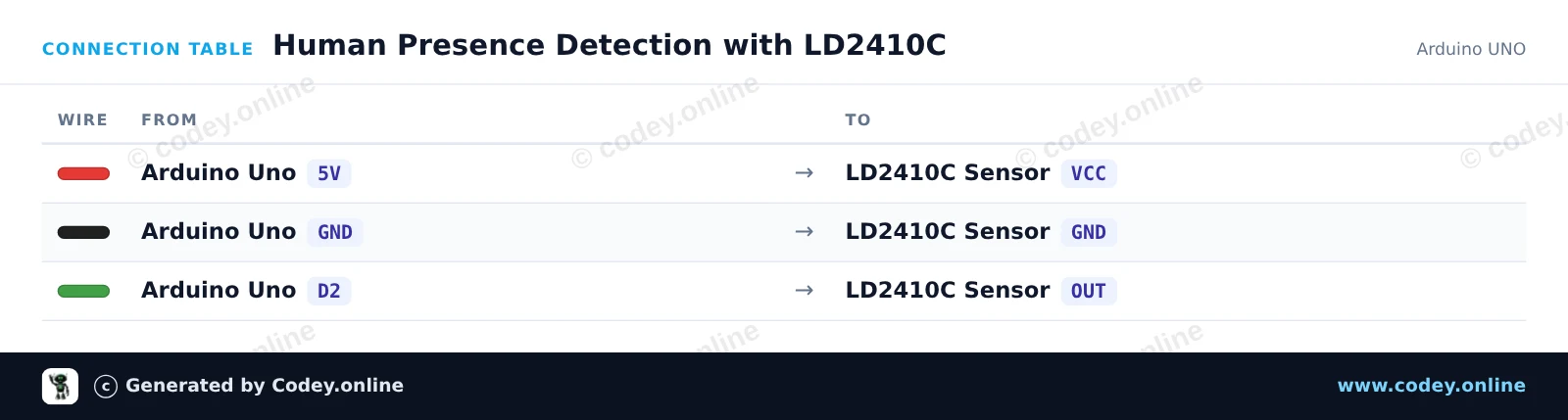
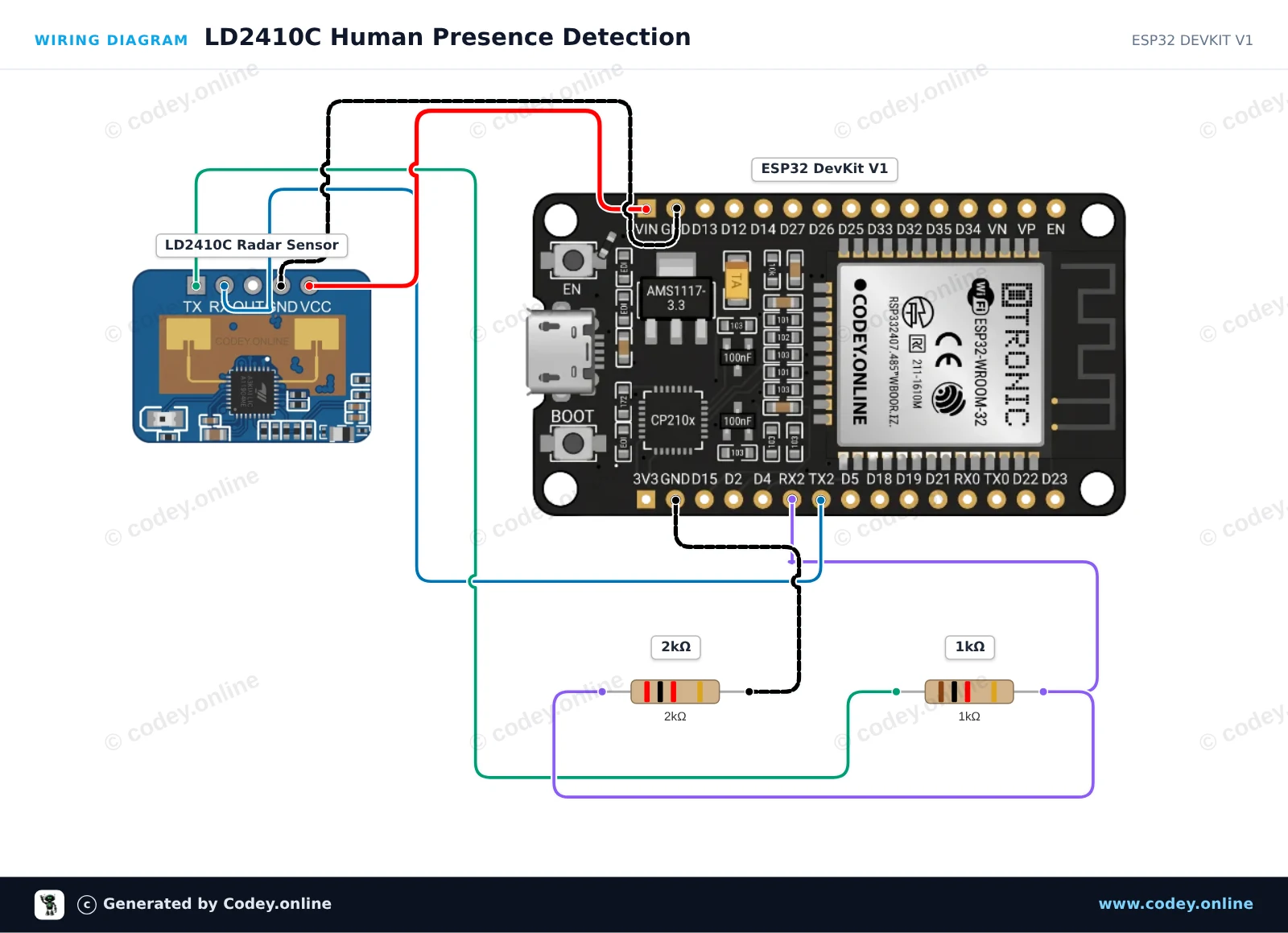
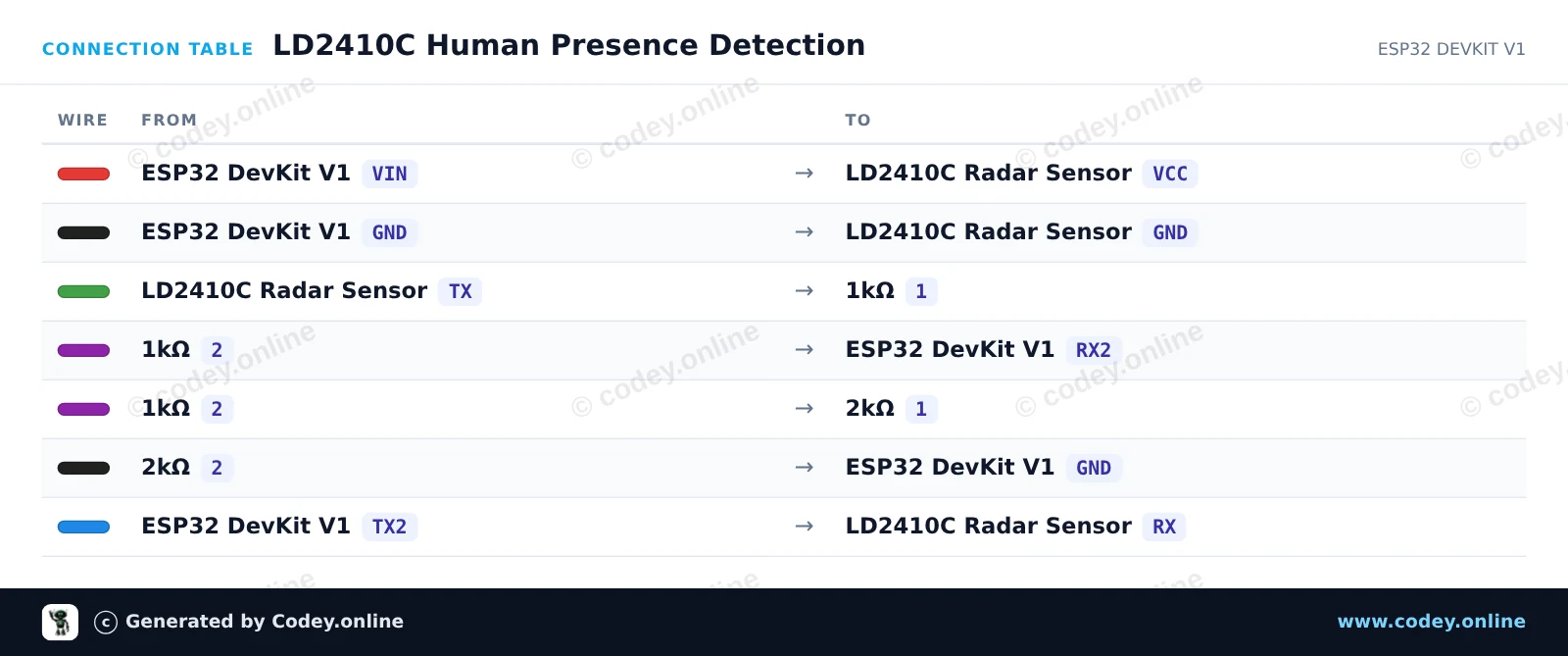
Ecco come collegare il Modulo sensore di presenza umana LD2410C 24GHz a un Arduino UNO o ESP32, con uno sketch di esempio che puoi caricare subito.
Questo progetto rileva la presenza umana utilizzando il pin di uscita digitale del sensore radar mmWave LD2410C 24GHz. Quando viene rilevato movimento o presenza stazionaria, il LED integrato si accende e lo stato viene riportato nel Monitor Seriale.
/*
 * ==================================================================
 *  Generated by Codey.online  —  https://www.codey.online
 * ==================================================================
 *  Project   : Human Presence Detection with LD2410C
 *  Board     : Arduino UNO (arduino:avr:uno)
 *  Parts     : Human Presence Sensor LD2410C
 *  Libraries : none (built-in)
 *
 *  Codey Online is an AI-powered browser IDE for Arduino and ESP32.
 *  Describe your project and Codey writes the code, draws the wiring
 *  diagram and uploads it to your board, straight from the browser.
 *  This code is free to use, modify and share, without warranty.
 * ==================================================================
 */

// LD2410C Human Presence Detection Example
// Reads the OUT pin to detect human presence

const int PRESENCE_PIN = 2;
const int LED_PIN = 13;

int lastState = -1;

void setup() {
  pinMode(PRESENCE_PIN, INPUT);
  pinMode(LED_PIN, OUTPUT);

  Serial.begin(115200);
  Serial.println(F("LD2410C Presence Sensor Ready"));
}

void loop() {
  int currentState = digitalRead(PRESENCE_PIN);

  // Update on state change
  if (currentState != lastState) {
    lastState = currentState;

    if (currentState == HIGH) {
      digitalWrite(LED_PIN, HIGH);
      Serial.println(F("Target detected: Presence confirmed!"));
    } else {
      digitalWrite(LED_PIN, LOW);
      Serial.println(F("No target detected."));
    }
  }

  delay(50);
}Wiring diagram and example code generated by Codey.online — https://www.codey.online
Questo circuito legge in tempo reale i dati radar mmWave dal sensore LD2410C tramite UART usando ESP32 Serial2. Un partitore di tensione con resistori (1kΩ / 2kΩ) abbassa in sicurezza l'uscita TX da 5V del sensore a 3.3V per il pin RX2 dell'ESP32. Presenza, bersagli fermi e bersagli in movimento vengono riportati tramite il Serial Monitor.
/*
 * ==================================================================
 *  Generated by Codey.online  —  https://www.codey.online
 * ==================================================================
 *  Project   : LD2410C Human Presence Detection
 *  Board     : ESP32 DEVKIT V1 (esp32:esp32:esp32doit-devkit-v1)
 *  Parts     : Human Presence Sensor LD2410C
 *  Libraries : none (built-in)
 *
 *  Codey Online is an AI-powered browser IDE for Arduino and ESP32.
 *  Describe your project and Codey writes the code, draws the wiring
 *  diagram and uploads it to your board, straight from the browser.
 *  This code is free to use, modify and share, without warranty.
 * ==================================================================
 */

#include <ld2410.h>

ld2410 radar;
uint32_t lastPrint = 0;

void setup() {
  Serial.begin(115200);
  // LD2410C default baud rate is 256000 on Serial2 (RX: 16, TX: 17)
  Serial2.begin(256000, SERIAL_8N1, 16, 17);

  Serial.println("Connecting to LD2410C sensor...");
  if (radar.begin(Serial2)) {
    Serial.println("LD2410C sensor initialized successfully!");
  } else {
    Serial.println("Sensor initialization failed. Check wiring and power.");
  }
}

void loop() {
  radar.read();

  if (radar.isConnected() && (millis() - lastPrint > 500)) {
    lastPrint = millis();

    if (radar.presenceDetected()) {
      Serial.print("Presence: DETECTED | ");
      if (radar.movingTargetDetected()) {
        Serial.print("Moving Target: ");
        Serial.print(radar.movingTargetDistance());
        Serial.print(" cm | ");
      }
      if (radar.stationaryTargetDetected()) {
        Serial.print("Stationary Target: ");
        Serial.print(radar.stationaryTargetDistance());
        Serial.print(" cm");
      }
      Serial.println();
    } else {
      Serial.println("Presence: None");
    }
  }
}Wiring diagram and example code generated by Codey.online — https://www.codey.online







 English
  Nederlands
  Frans
Frans  Deutsch
  Español
  Suomi
Suomi  Polski
  Dansk
Dansk  Ελληνικά
  Български
  Čeština
  Hrvatski
  Aileen